


















































Certification Courses
Hands-On Labs
Threat Intelligence
Latest Cyber News
MITRE ATT&CK Breakdown
All Cyber Keywords
Imagine if your front door had three locks instead of one, and a burglar needed to pick all three simultaneously to get inside. That's exactly how multi-factor authentication (MFA) protects your digital life.
In this beginner-friendly guide, you'll discover why 99.9% of automated attacks fail against MFA-protected accounts, how to set it up in 5 minutes, and the simple mistake that leaves millions vulnerable to hacking. You'll learn:
What if I told you that the password you've been using for years, even the strong, complex one you're proud of, is about as effective at stopping hackers as a screen door would be at stopping a bank robber?
Multi-factor authentication (often called MFA or 2FA) is the digital equivalent of adding a deadbolt, security camera, and fingerprint scanner to that screen door. It's a security system that requires two or more separate proofs of identity before granting access to your accounts.
Think of it like withdrawing money from an ATM: you need both your physical card (something you have) AND your PIN (something you know). If a thief steals just your card, they still can't access your money. Multi-factor authentication applies this same logic to your email, banking, social media, and work accounts.
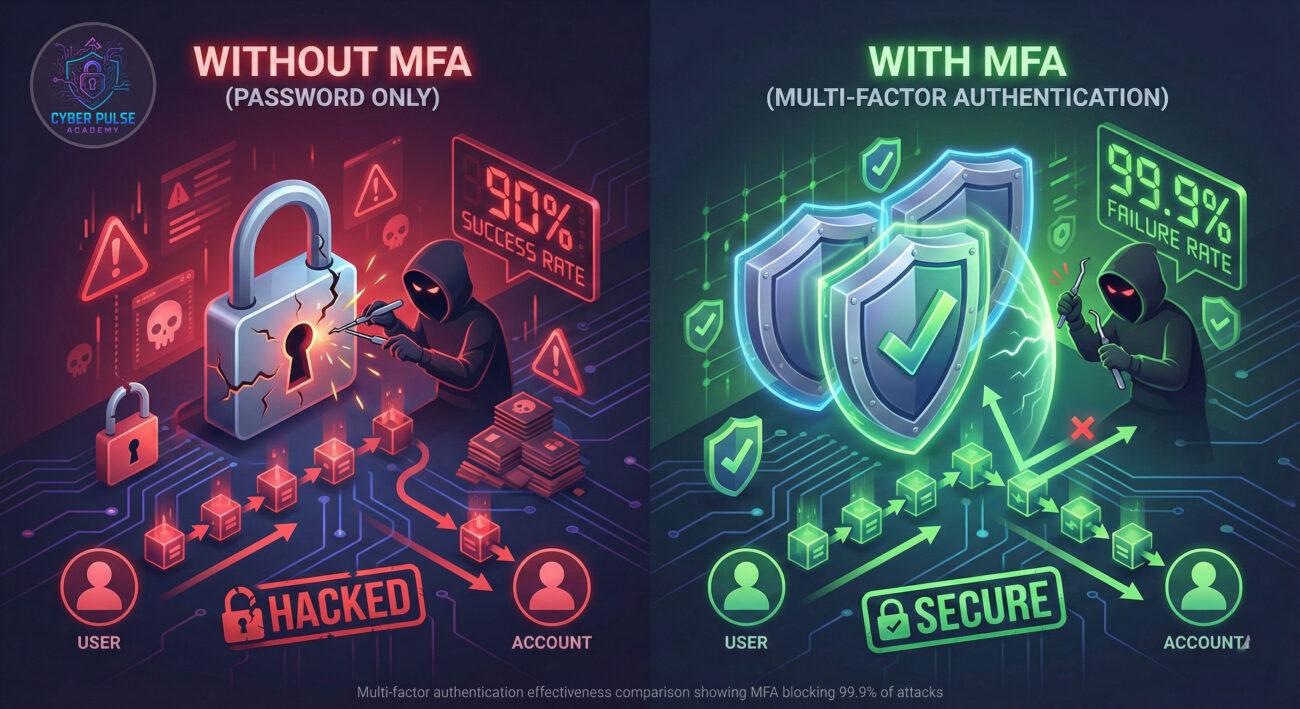
Every 39 seconds, a hacker attacks someone online. According to CISA (Cybersecurity and Infrastructure Security Agency), implementing multi-factor authentication can prevent over 99.9% of account compromise attacks. That's not just statistics, that's your personal data, photos, finances, and identity being protected.
The reality is that passwords alone have failed us. The average person has 100 passwords to remember, leading to password reuse across multiple sites. When one company suffers a data breach (and over 8 billion records were exposed in 2023 alone), hackers immediately try those stolen passwords on email, banking, and social media accounts.
Here's the crucial insight: Multi-factor authentication creates separate layers of security so that even if your password is stolen (through phishing, a data breach, or malware), attackers still can't access your account without that second factor. Microsoft reports that MFA blocks 99.9% of automated attacks on accounts, making it the single most effective security control available to individuals and businesses alike.

Cybersecurity jargon can feel overwhelming. Let's break down the essential terms you need to understand multi-factor authentication:
| Term | Simple Definition | Everyday Analogy |
|---|---|---|
| Authentication Factor | A category of proof used to verify your identity | Like the different types of ID needed at airport security: boarding pass, government ID, and sometimes a fingerprint |
| Something You Know | Information only you should know, like a password or PIN | Your ATM PIN or the answer to "What was your first pet's name?" |
| Something You Have | A physical device in your possession, like your phone or a security key | Your house key or car key fob, you need the physical object |
| Something You Are | Biological characteristics unique to you, like fingerprints or facial recognition | How your dog recognizes you by your scent and appearance combined |
| Phishing Attack | A fraudulent attempt to steal sensitive information by pretending to be trustworthy | A con artist dressed as a bank employee asking for your account details |
Sarah runs a small graphic design business. Like many entrepreneurs, she reused her favorite password across multiple accounts. One Tuesday morning, she received what looked like an urgent email from her "bank" asking her to verify recent transactions.
She clicked the link (a phishing attack), entered her credentials, and immediately felt uneasy. Within minutes, she received a notification on her phone: "Someone is trying to access your Google account from a new device in another country. Is this you?"
This was her multi-factor authentication kicking in. The hackers had her password from the phishing site, but they didn't have her phone. Sarah tapped "No, it's not me," and her account remained secure. She then changed her password and enabled MFA on all her business accounts.
Here's how the attack timeline unfolded:
| Time/Stage | What Happened | Impact |
|---|---|---|
| 9:05 AM | Sarah receives a phishing email pretending to be from her bank | Initial vulnerability created |
| 9:07 AM | She clicks the link and enters her credentials (password compromised) | Attackers now have her password |
| 9:09 AM | Hackers attempt login from overseas using stolen password | MFA system detects unusual location |
| 9:10 AM | Sarah receives push notification on her phone asking to approve login | Second factor required |
| 9:11 AM | She denies the request, changes password, and enables MFA everywhere | Complete protection restored, business saved |

Setting up multi-factor authentication is easier than you think. Follow this beginner-friendly guide to secure your most important accounts in under 30 minutes total.
Start with accounts that would cause the most damage if compromised:
Pro Tip: Your email is the most critical, it's often used to reset passwords for other accounts!
Not all MFA methods are equally secure or convenient. Here's the hierarchy from most to least secure:
For most beginners, authentication apps provide the best balance of security and convenience.
Download one of these free apps on your smartphone:
These apps generate time-based codes that change every 30 seconds. Even if hackers get your password, they'd need the current code from your phone.
Let's start with Gmail as an example (other services are similar):
Save your backup codes in a secure location (not on your computer)!
Your bank likely offers MFA (sometimes called "extra security" or "login verification"):
Consider using a dedicated authentication app for financial accounts for added security.
Social media accounts are prime targets for takeovers:
Learn more about social media security best practices on our blog.
Security isn't a one-time task. Regular maintenance keeps you protected:
Consider using a password manager alongside MFA for maximum protection.
To defend effectively, you need to understand how attackers think about multi-factor authentication. Here's a simplified look at their playbook and how to counter it.
Attack Path: The MFA Fatigue Attack
Sophisticated attackers don't just give up when they encounter MFA. One common technique is the "MFA fatigue" or "MFA bombing" attack. Here's how it works:
Defender's Counter-Move: The Verification Mindset
The defense is surprisingly simple but requires discipline:
When we see an account protected by multi-factor authentication, we immediately know it's a harder target. We'll typically:
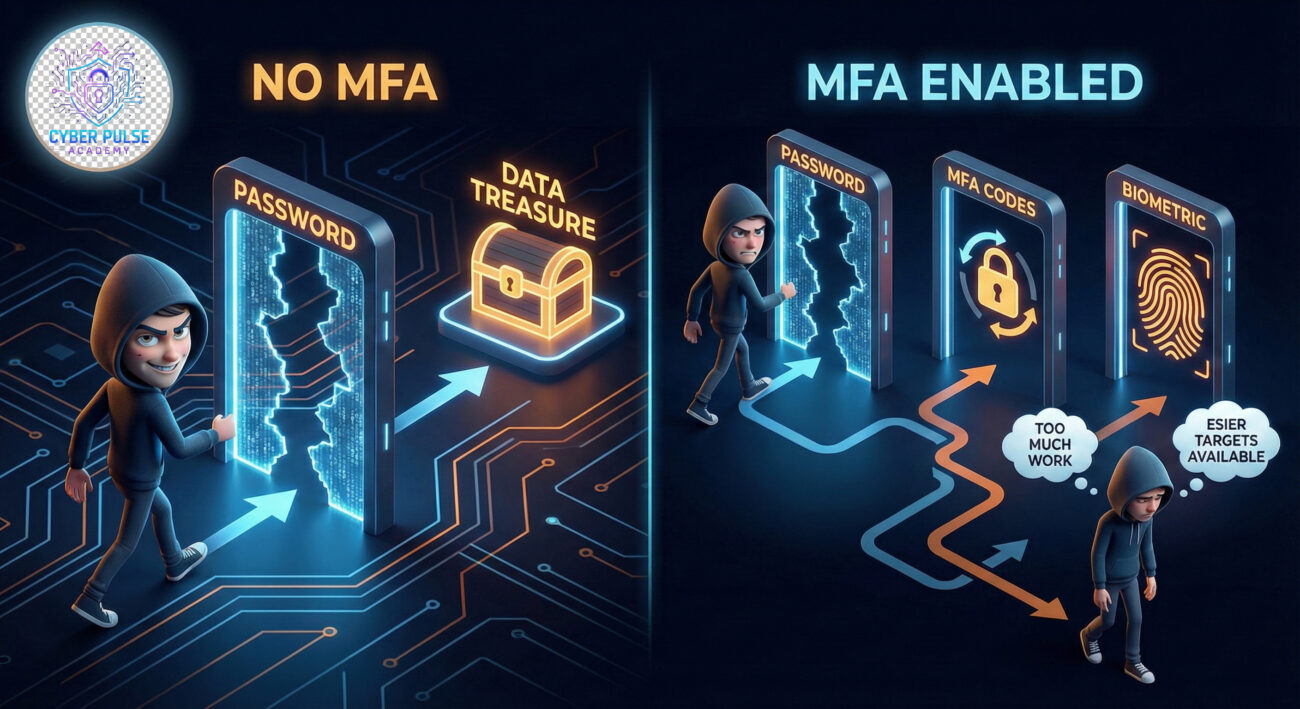
Our goal: Find the weakest implementation or trick the human element. MFA forces us to work much harder, so we often move on to easier targets.
Multi-factor authentication is our first and most effective layer of defense. We focus on:
Our goal: Create enough friction that attackers abandon their attempts or get detected during the process. MFA turns binary security (password right/wrong) into a detection opportunity.
Implementing multi-factor authentication is the single most effective security upgrade you can make today. Remember these key takeaways:
In the 5 minutes it takes to read this conclusion, hackers have attempted over 7,500 account breaches worldwide. Don't be their next statistic. Set a timer right now for 10 minutes and enable MFA on your primary email account. That small investment of time creates a security barrier that will protect you for years to come.
Now that you understand multi-factor authentication, put that knowledge into action:
Have questions about specific services or encountered setup issues? Share your experience in the comments below! What's the first account you'll secure with multi-factor authentication?
Further Reading: Explore our guides on creating strong passwords, spotting phishing attempts, and securing your home network to build a complete cybersecurity foundation.
Every contribution moves us closer to our goal: making world-class cybersecurity education accessible to ALL.
Choose the amount of donation by yourself.