


















































Certification Courses
Hands-On Labs
Threat Intelligence
Latest Cyber News
MITRE ATT&CK Breakdown
All Cyber Keywords
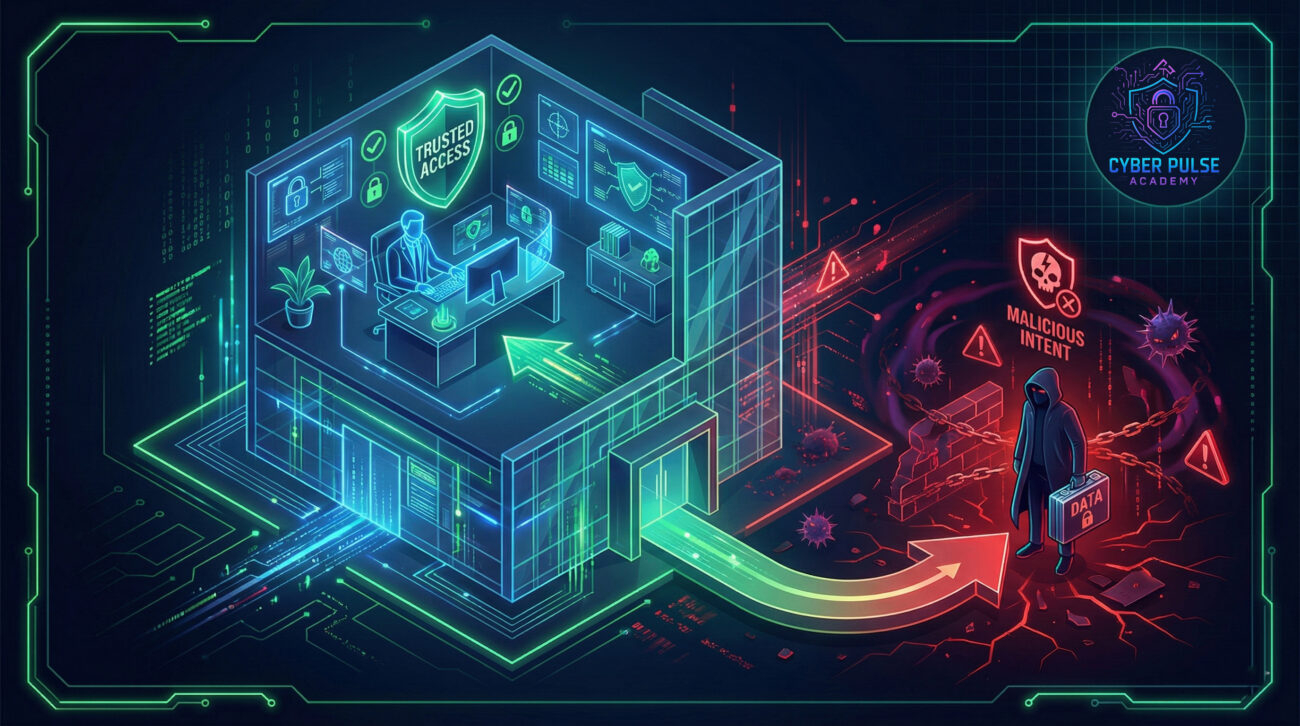
Imagine your company's most sensitive data, customer lists, financial reports, secret projects, walking out the door with someone who feels wronged. This isn't a spy movie plot; it's the real and present danger of a disgruntled employee. While we often focus on external hackers, the threat from inside can be far more damaging, and it's one that every organization, big or small, must understand. In this guide, you'll learn exactly what a disgruntled employee threat looks like, see a real-world example, and discover actionable steps you can take to protect yourself and your workplace.
A disgruntled employee is a current or former staff member who, motivated by resentment, financial gain, or a desire for revenge, misuses their authorized access to harm the organization. Think of them not as a stereotypical "hacker," but as a trusted person with a key to the vault who decides to cause damage on their way out.
The numbers are stark. According to the Verizon Data Breach Investigations Report, insider threats contribute to nearly 20% of data breaches. The Ponemon Institute found the average cost of an insider threat incident to be over $15 million. These aren't just IT problems; they're business survival issues that can destroy reputations, erode customer trust, and lead to massive fines.
For a beginner, the key takeaway is this: cybersecurity isn't just about firewalls and antivirus software. It's equally about people, policies, and creating a work environment where the incentive to cause harm is minimized. Understanding the risk posed by a disgruntled employee is your first step toward building a truly holistic defense.
Let's break down the jargon. Here are the essential terms you need to know to understand the threat of a disgruntled employee.
| Term | Simple Definition | Everyday Analogy |
|---|---|---|
| Insider Threat | A security risk that originates from within the organization, typically by an employee, contractor, or business partner. | A family member with a house key who decides to steal from you. They already have access and trust. |
| Privileged Access | Special permissions that allow a user to perform sensitive actions, like accessing financial systems or customer databases. | Being the manager with the master key to every room in the office, not just your own. |
| Data Exfiltration | The unauthorized transfer of data from inside a network to an external location. | Secretly photocopying all the company's secret recipes and taking them home in your bag. |
| Principle of Least Privilege (PoLP) | A security concept where users are granted only the minimum levels of access necessary to perform their job. | Giving a bank teller access only to the cash drawer, not the entire vault and safety deposit boxes. |
| Offboarding | The formal process of managing an employee's exit from the company, including revoking access. | Changing the locks and collecting all keys when a roommate moves out. |
Let's follow "Sarah," a senior salesperson at "TechGear Inc." Sarah was a top performer but felt repeatedly overlooked for promotion. When a less experienced colleague got the manager role she wanted, she became deeply resentful.
Over the next month, Sarah began planning her exit to a competitor. She used her legitimate access to download the entire customer relationship management (CRM) database, including sensitive negotiation notes and upcoming deal pipelines. She emailed files to her personal account and copied them to a USB drive. Two weeks after leaving TechGear, she started at their rival. Within months, TechGear started losing major clients to that competitor, who seemed to know their every move and price point. An investigation traced the breach back to Sarah's user account in the days before she resigned.
| Time/Stage | What Happened | Impact |
|---|---|---|
| Week 1-3: Building Resentment | Sarah is passed over for promotion. Morale drops. She voices complaints to peers. | Early warning sign of potential insider threat. Often ignored by management. |
| Week 4: The Decision | Sarah accepts a job offer from a competitor. She decides to take "what she deserves." | Motivation shifts from resentment to malicious intent and financial gain. |
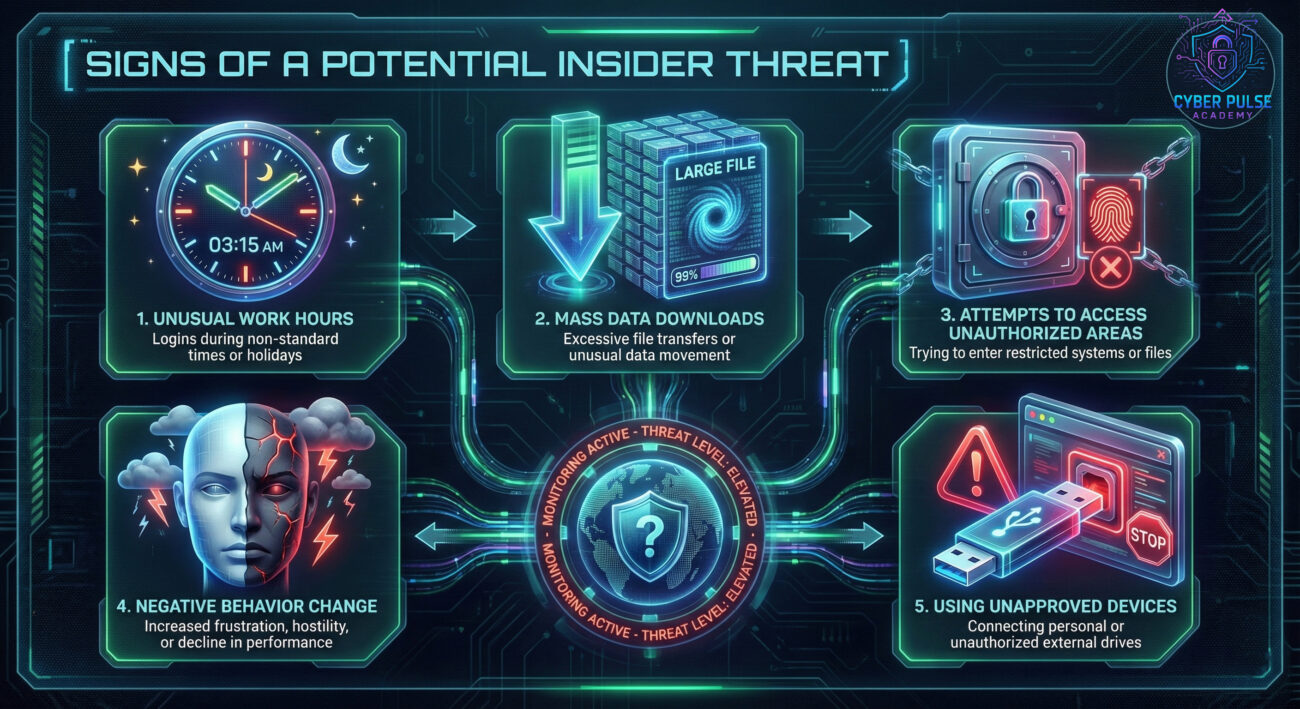
| Week 5: Data Gathering | Using her sales admin access, she mass downloads CRM data and project files. | Data exfiltration in progress. Unusual download activity should trigger alerts. |
| Week 6: Exit | Sarah submits her resignation. IT disables her account on her last day, but after she had already taken the data. | Standard offboarding was too late. Access should have been restricted the moment she gave notice. |
| Months Later: Aftermath | Competitor undercuts TechGear on key deals. Investigation reveals the data leak. | Major financial loss, reputational damage, and potential legal action. Cost: millions. |
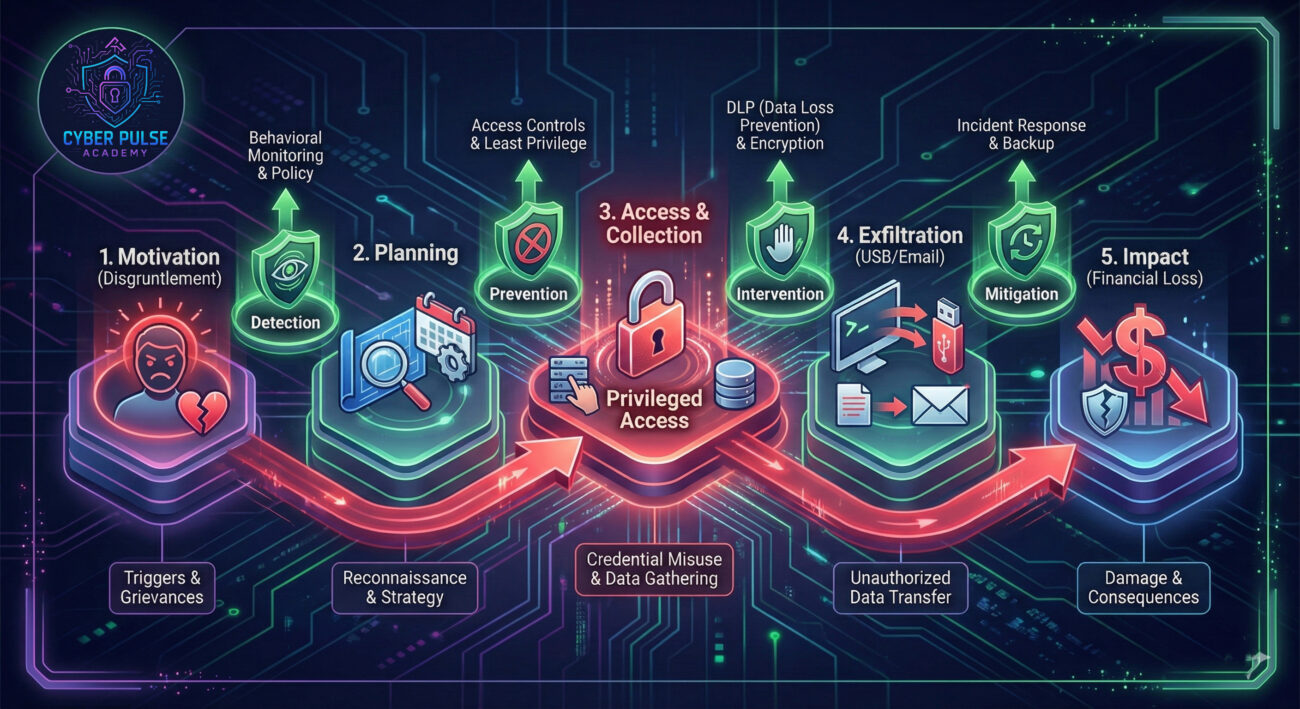
The first line of defense is prevention. A positive work environment reduces the root causes of disgruntlement.
Limit the potential damage any single account can do. No one should have access to data they don't need for their job.
Use technology to monitor for suspicious activity and secure data.
When an employee leaves, their access must be terminated systematically and instantly.
Hope for the best, plan for the worst. Your response plan must account for threats from within.
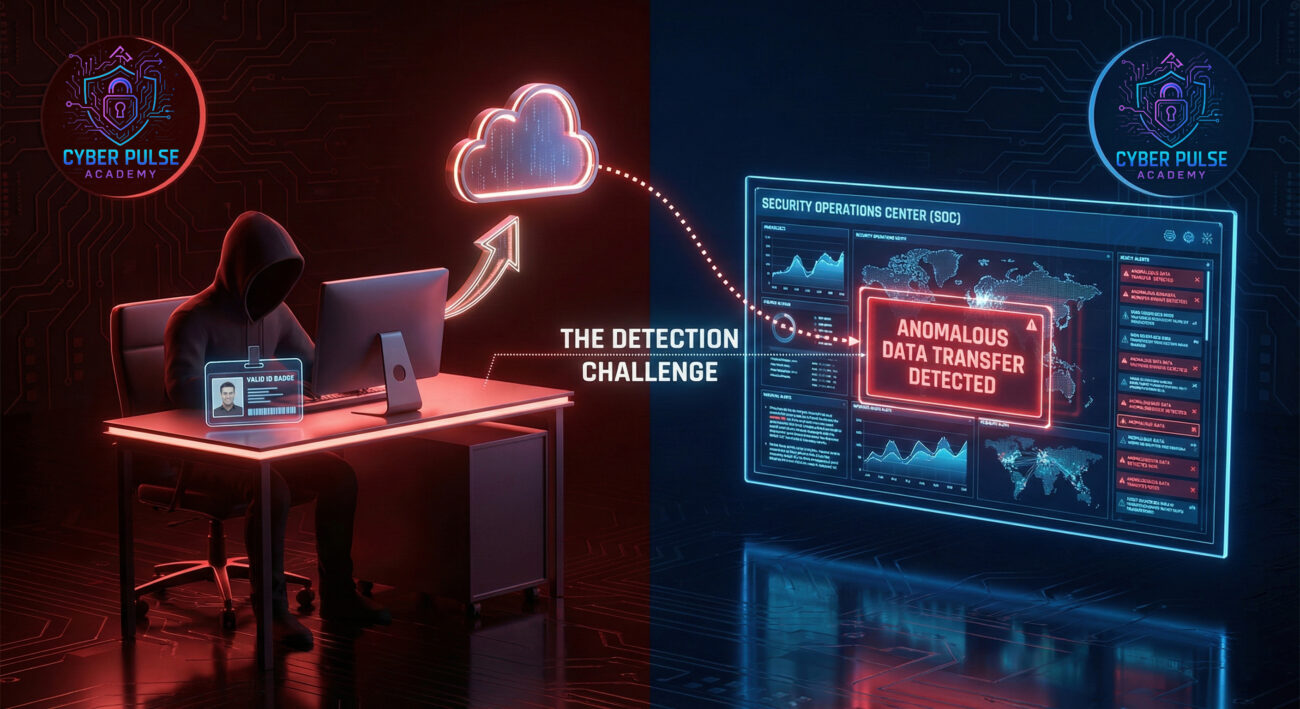
A Threat Hunter proactively looks for signs of evil hiding in plain sight. For a disgruntled employee, the attack path often starts with "golden ticket" access they already have. A simple attack path: An employee knows they're about to be fired. They create a hidden, secondary admin account for themselves ("backdoor account") and then start siphoning data to a personal cloud storage service like Dropbox, using encrypted files to evade basic DLP.
The defender's counter-move is behavioral analytics. Instead of just looking for known malware, they profile normal activity for each user. If "Sarah" in sales, who only ever accesses 10-15 records a day, suddenly queries and downloads 10,000 customer files at 2 AM, that's a massive anomaly. The hunter correlates this with other signals: Was her access privilege recently increased? Is she involved in a disciplinary process? This mindset shift, from "blocking bad files" to "understanding normal behavior", is key to catching the insider.
"My goal is to achieve my objective (data, revenge, disruption) without getting caught. My biggest advantage is my legitimate access and knowledge of the company's weaknesses, I know which data is valuable, where it's stored, and what the monitoring blind spots are. I will exploit trust, use my credentials during normal work hours, and maybe even use approved tools (like email or cloud sync) to exfiltrate data, making my actions look like normal work. I'm counting on slow offboarding and lax monitoring."
"My goal is to protect the organization's assets while enabling business. I must assume trust but verify. I care about implementing strong access controls, auditing logs, and building detection rules for anomalous behavior, like a user accessing systems they never use. I focus on creating layered defenses: culture (to reduce motivation), least privilege (to limit impact), monitoring (to detect), and swift response (to contain). I know the threat is already inside, so my vigilance must be constant."
The threat from a disgruntled employee is real, costly, and often underestimated. Protecting against it requires a blend of people, process, and technology.
Cybersecurity is not just about keeping outsiders out; it's about managing risk from within. By understanding the vulnerability posed by a disgruntled employee, you're taking a crucial step towards a more mature and holistic security posture.
Start today. Action Step: Schedule a meeting with your HR and IT teams to discuss your organization's offboarding checklist and access review schedule. If you don't have them, create them.
Have questions or a story to share about insider risks? Leave a comment below. Let's keep the conversation going to build safer digital workplaces for everyone.
For further reading, check out our guides on creating strong passwords and building an incident response plan.
Every contribution moves us closer to our goal: making world-class cybersecurity education accessible to ALL.
Choose the amount of donation by yourself.