


















































Certification Courses
Hands-On Labs
Threat Intelligence
Latest Cyber News
MITRE ATT&CK Breakdown
All Cyber Keywords
In the digital age, your web browser is more than a tool, it's your primary gateway to the world and, consequently, a prime target for attackers. While most discussions about secure browsing with a lightweight browser focus on speed and productivity, the critical security and privacy benefits are often overlooked. This guide reframes the conversation, examining how minimalist browsers like Adapt Browser, Falkon, or Midori aren't just about saving RAM; they're a strategic choice for reducing your attack surface, minimizing data leakage, and regaining control of your digital footprint.
Imagine a typical workday: dozens of tabs open, multiple extensions running, and synchronized data flowing to the cloud. This common scenario creates a sprawling attack surface. Modern "kitchen-sink" browsers are engineered for features and convenience, often at the expense of security. They run complex background processes, execute unessential APIs, and maintain persistent connections, each a potential vector for a breach.
Every additional feature, from voice assistants to predictive services, is code that must be maintained and audited. More code means a higher probability of vulnerabilities that a hacker can exploit. A lightweight browser, by architectural principle, adheres to minimalism. Fewer features inherently mean fewer lines of code that can contain critical flaws, leading to a more secure browsing experience.
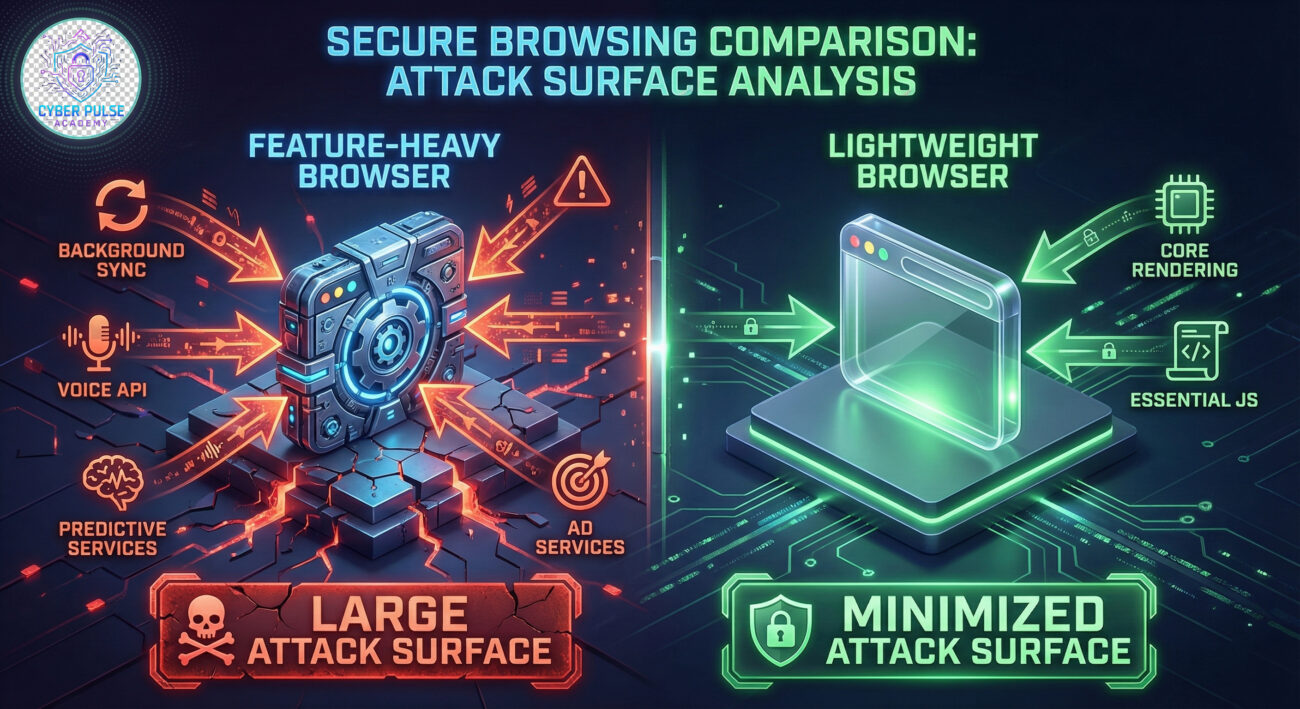
Choosing a browser designed for secure browsing with a lightweight browser provides multi-layered defensive benefits that go beyond simple performance gains.
A minimalist browser strips away non-essential components like proprietary media players, bundled advertising networks, and extensive telemetry services. This philosophy of "less is more" directly translates to fewer potential entry points for malware and exploits. For instance, a browser without a built-in PDF viewer eliminates an entire class of document-based attacks.
Many lightweight browsers are built with privacy as a core tenet, not an afterthought. They often integrate basic tracking protection, resist fingerprinting by presenting a more uniform software profile, and limit the amount of diagnostic data sent "home." This makes user tracking and profiling significantly harder for advertisers and threat actors alike.
Security tools like script blockers, network monitors, and cookie analyzers consume system resources. A browser that uses less memory and CPU for its base operations leaves more headroom for these critical defensive extensions to run effectively without bogging down your system.
Not all lightweight browsers are created equal. Use this framework to evaluate your options:
| Criterion | What to Look For | Why It Matters for Security |
|---|---|---|
| Update Cadence | Frequent, automatic security updates. | Ensures known vulnerabilities are patched promptly, closing windows of opportunity for attackers. |
| Privacy Policy & Telemetry | Transparent data collection policies; minimal or opt-in telemetry. | Limits data leakage that could be intercepted or used to profile you in a targeted phishing campaign. |
| Extension Ecosystem | Support for reputable security extensions (uBlock Origin, NoScript, Privacy Badger). | Allows you to build a layered defense tailored to your specific risk profile. |
| Code Transparency | Open-source or verifiable build processes (e.g., AppEsteem certification). | Enables community audit of the code for backdoors or vulnerabilities, a key protection mechanism. |
| Architecture | Modern sandboxing and process isolation (even if not Chromium-based). | Contains damage if a website is compromised, preventing a site breach from taking over your entire browser. |
Once you've chosen a browser (examples include Adapt Browser, Brave, or Firefox Focus), follow this step-by-step guide to harden it for maximum secure browsing.
Extensions are a double-edged sword. Choose a minimal, powerful set:
Critical Tip: Regularly audit and remove unused extensions. Each one has permission to read or modify your browsing data.
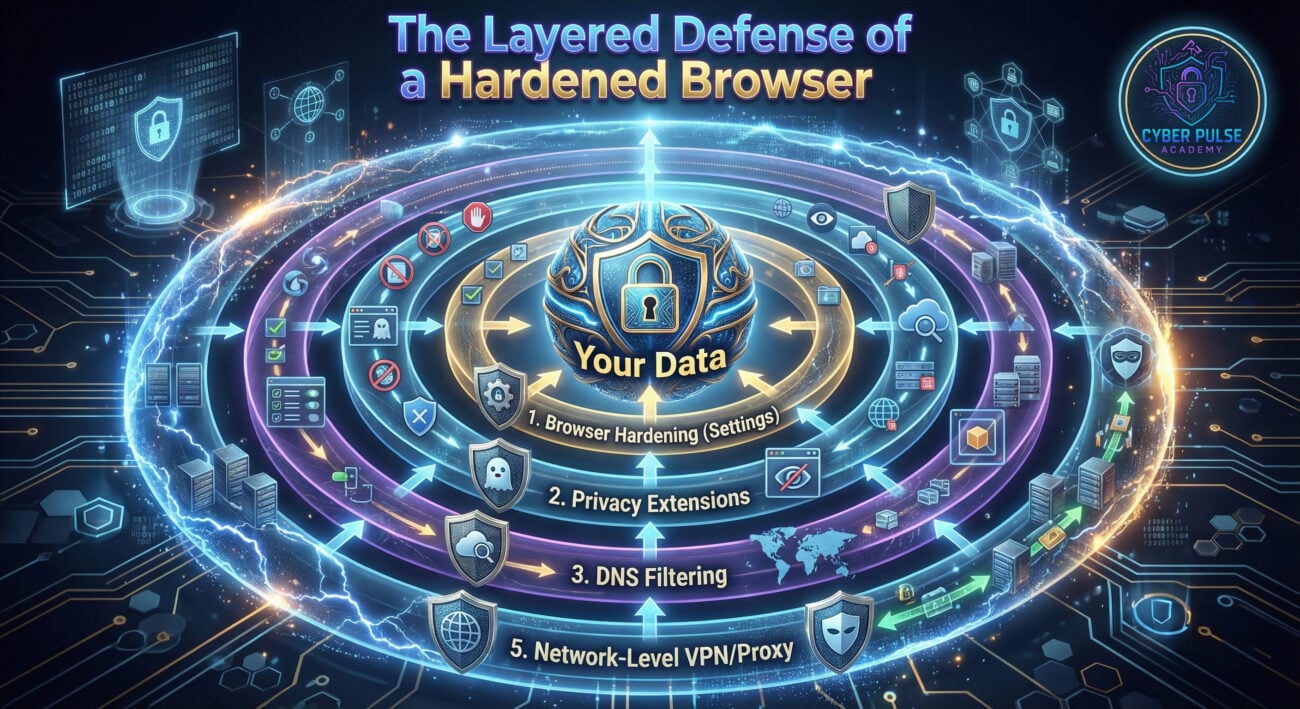
The value of a lightweight browser is perceived differently through the lens of offense and defense.
Disadvantages:
Advantages/Workarounds:
Core Advantages:
Operational Benefit: A standardized, hardened lightweight browser across an organization is a powerful control to reduce the overall risk landscape.
Q1: Is a lightweight browser like Adapt Browser secure enough for online banking?
A: Yes, if it is kept rigorously updated and hardened as described. The core security for banking relies on HTTPS, server-side controls, and your own device hygiene. A minimal browser can be safer than a complex one with many unvetted extensions. For ultimate safety, consider using a dedicated, ultra-locked-down browser profile only for financial transactions.
Q2: Don't lightweight browsers lack essential security features?
A: They lack bloated features, not necessarily essential ones. Look for core modern features like process sandboxing (isolating tabs), support for HTTPS, and a strong Content Security Policy (CSP). Features like built-in VPNs or antivirus in mainstream browsers are often marketing; dedicated tools are better.
Q3: How do I convince my IT department to support a lightweight browser?
A: Frame it as a risk reduction and productivity tool. Present data on reduced support tickets for browser crashes, lower hardware requirements, and a smaller attack surface to manage. Propose a pilot program for a specific team (e.g., developers or analysts) to gather performance and stability metrics. Reference frameworks like the NIST Cybersecurity Framework's "Protect" function.
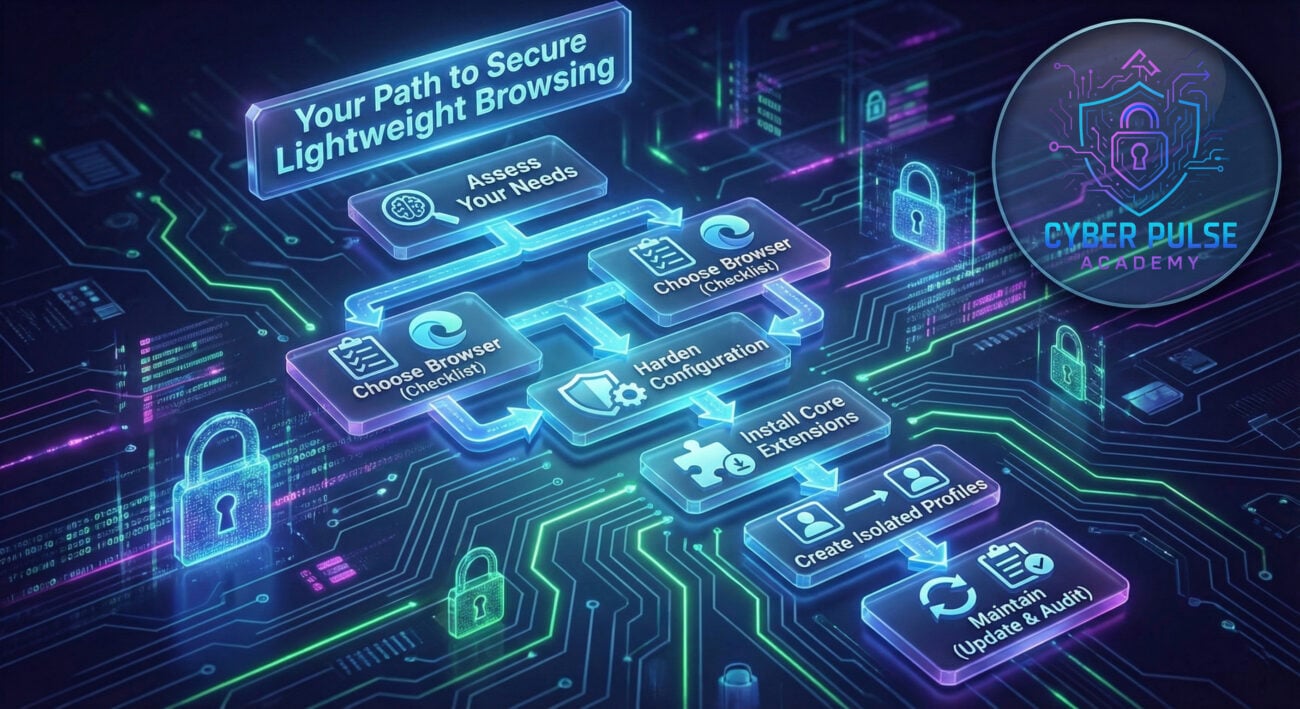
The first step towards secure browsing with a lightweight browser is awareness, and the next is action. Start today:
Share this guide with your team to start a conversation about building a faster, leaner, and more secure browsing environment for everyone.
Deepen your knowledge with these authoritative guides:
© 2026 Cyber Pulse Academy. This content is provided for educational purposes only.
Always consult with security professionals for organization-specific guidance.
Every contribution moves us closer to our goal: making world-class cybersecurity education accessible to ALL.
Choose the amount of donation by yourself.